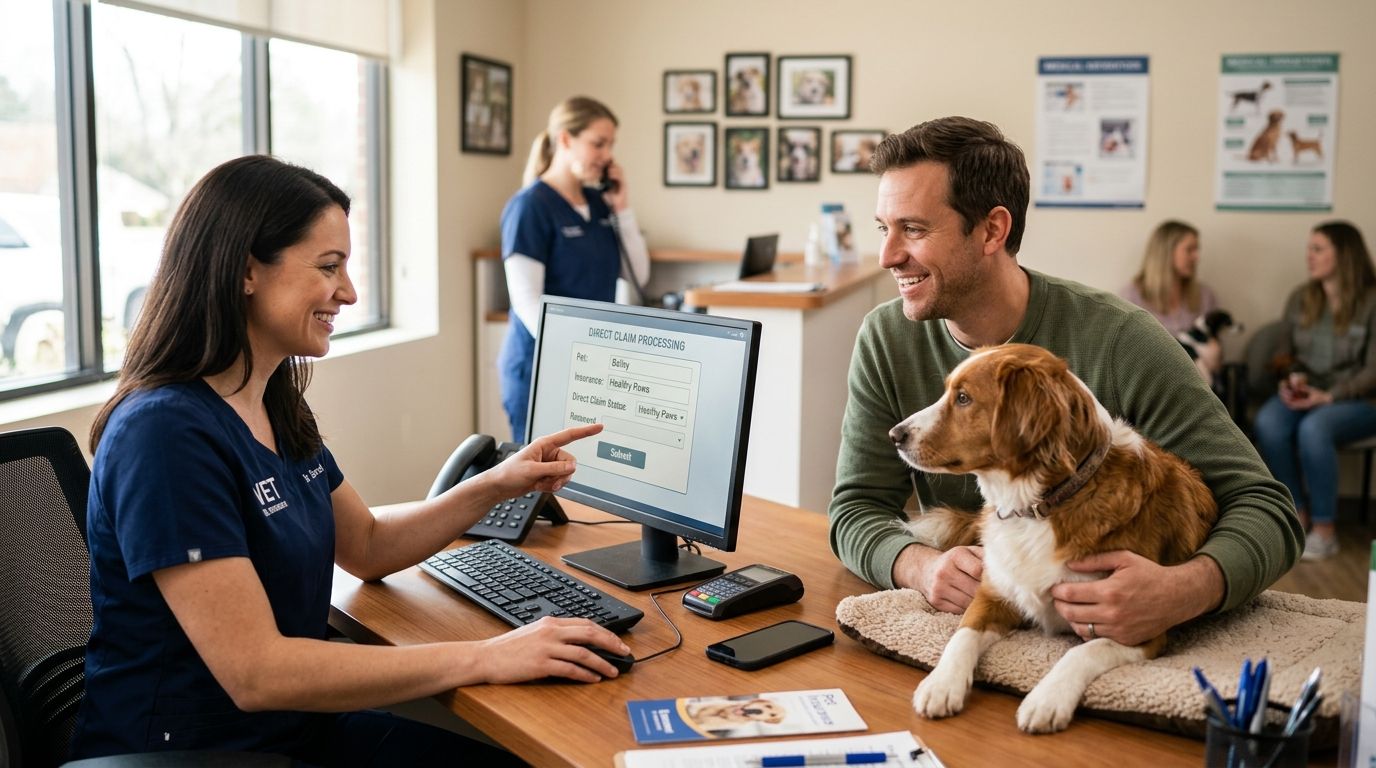
Paying the full vet bill upfront and waiting three weeks for a reimbursement email is the default experience with pet insurance in Australia. Instead of fronting the whole invoice and chasing a claim afterwards, set up a direct claim at check-in so the clinic submits the paperwork electronically and you only pay the gap.
- A pet insurance direct claim at vet check-in means you pay only the gap, not the full invoice.
- Not every insurer supports direct or gap claims — confirm before the appointment, not during it.
- Your pet's microchip number must match the policy exactly or the claim gets rejected.
- Waiting periods and annual limits still apply even when the claim is submitted electronically.
- Two by Two Vet in Balgowlah can process itemised invoices for direct submission where the insurer allows it.
Why this matters
A standard consult plus bloodwork or imaging at an Australian vet clinic can run into hundreds of dollars in a single visit. Submitting a pet insurance direct claim at vet checkout removes the cash-flow problem entirely — you are not out of pocket for the full amount while a claim sits in an insurer's queue through 2026 processing.
The catch is that direct claim does not mean free visit. You still owe the excess, the co-pay percentage, and anything above your annual limit. What changes is who chases the paperwork — the clinic submits the itemised invoice electronically instead of you scanning receipts at home.
Before you start
- Your policy number and insurer login — have the app or portal open before you arrive, not after the consult starts.
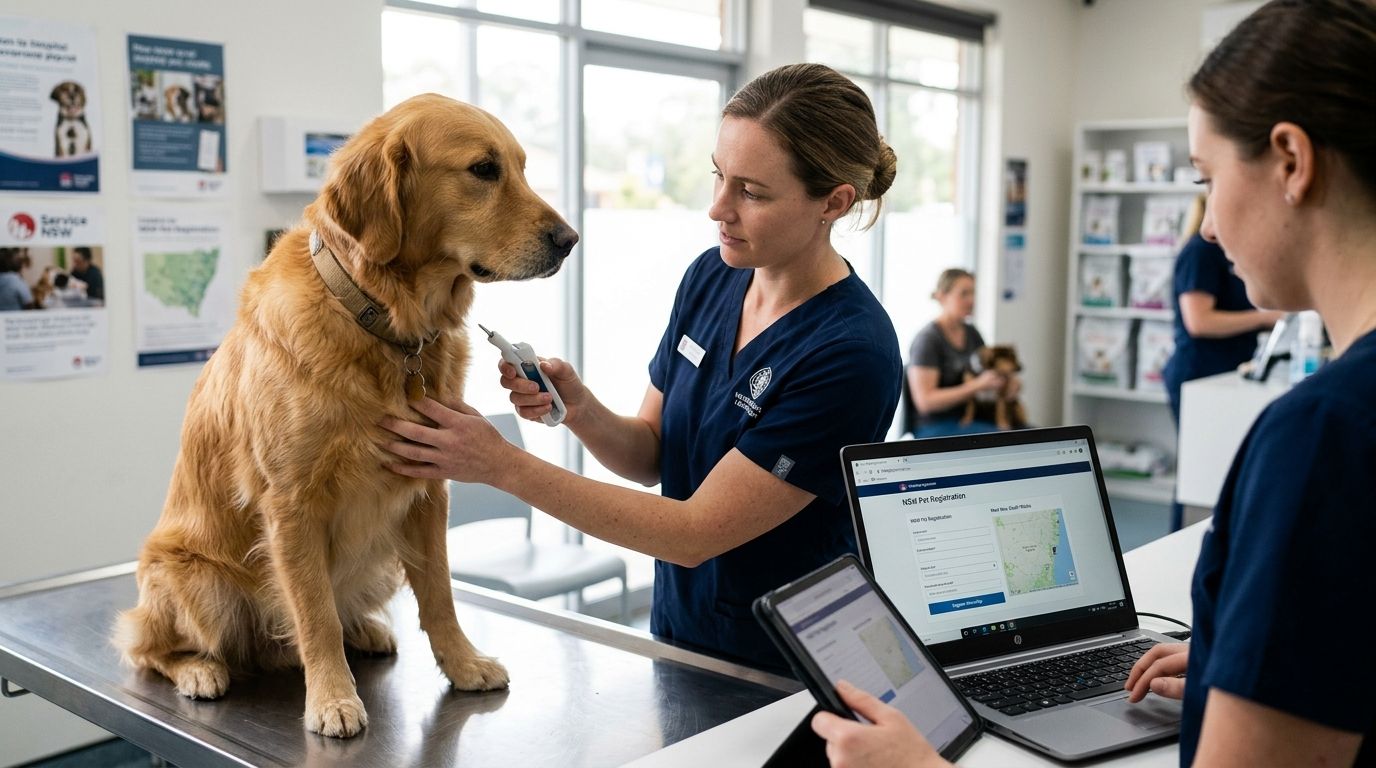
- Your pet's microchip number — insurers match claims against the microchip on file, and a mismatch (wrong chip, unregistered chip, or a typo from years ago) is the most common reason a direct claim bounces.
- The gotcha: most insurers still require you to pay the gap or excess on the day, even with direct claims switched on. Direct claim means the clinic submits the invoice for you — it does not mean the insurer pays the clinic in full on the spot in every case. Ask reception which model your insurer uses before you assume the whole bill disappears at checkout.
Confirm your insurer supports direct claims
- Open your insurer's app or log into the portal before the appointment.
- Look for Gap Claim, Direct Claim, or Vet Direct in the settings or claims menu — insurers routed through claims networks typically list this on the policy dashboard.
- Check the excess and co-pay percentage listed against your active policy. That is what you owe regardless of whether the claim is direct.
- Note whether your policy needs pre-approval for anything beyond a standard consult — surgery, dental work, extended diagnostics. Some insurers require this before treatment, not after.
Expected result: you know, before leaving home, whether your policy supports direct submission and what dollar amount is yours to cover on the day.
Set up the claim at check-in
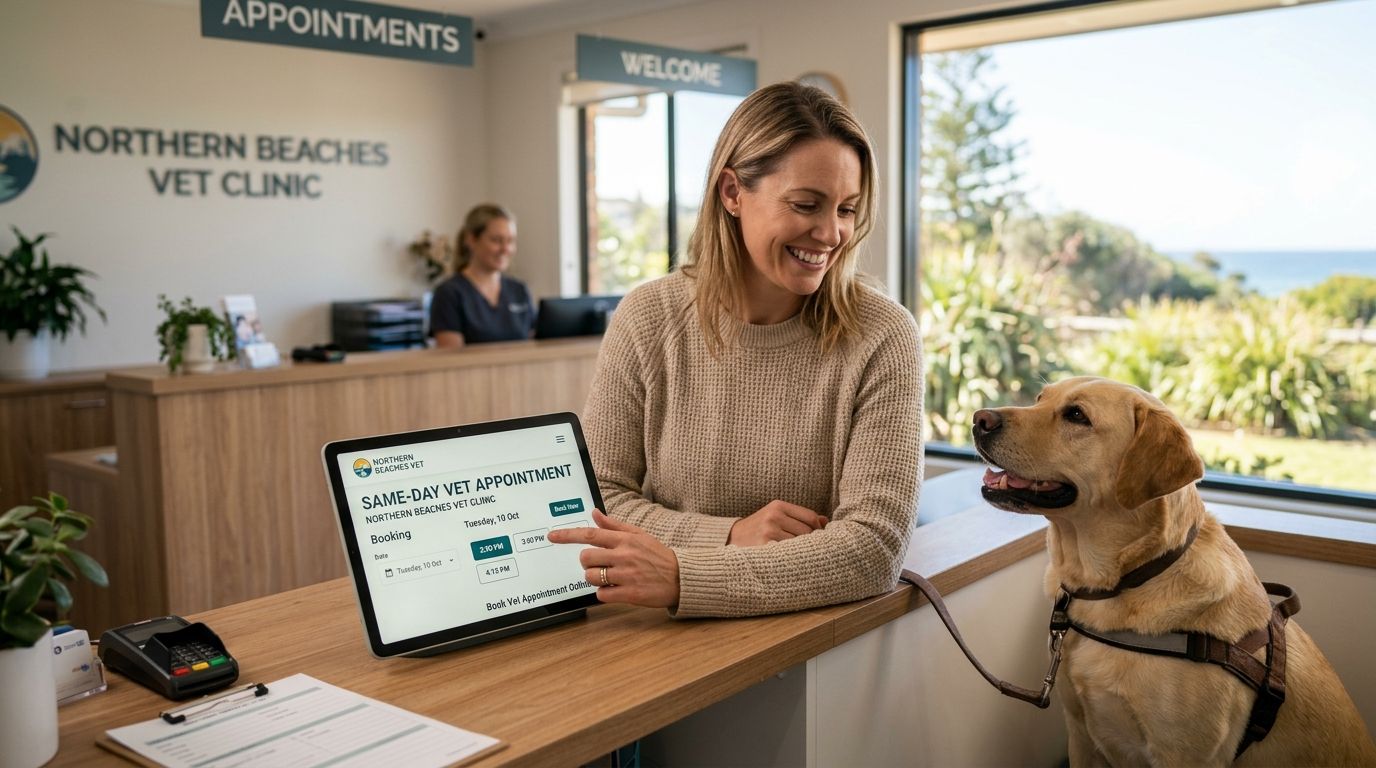
- Tell reception at check-in that you want to submit a pet insurance direct claim at vet visit today, and name your insurer.
- Hand over your policy number and confirm your pet's microchip number matches what is on the policy. This gets checked against the chip scanned on file, not just the number you remember.
- Confirm the email address linked to your claim so the insurer's confirmation and any follow-up requests land somewhere you will see them.
- Ask whether the clinic uses an electronic claims portal. That is what turns a same-day submission into a same-day gap payment rather than a manual upload weeks later.
Expected result: the clinic has everything needed to submit electronically once the consult wraps, and you know your out-of-pocket number before treatment starts.
Request itemised treatment codes during the consult
- Ask the vet or nurse to itemise the invoice by service code — consult, medication, diagnostics, procedure — rather than one lump total.
- If bloodwork, imaging or a procedure gets added mid-visit, flag it immediately so it lands on the same claim instead of triggering a second submission.
- Confirm the diagnosis or condition attached to the claim matches what is actually being treated. Insurers reject claims where the condition does not line up with the item list.
Expected result: a clean, itemised invoice that goes through as one submission instead of bouncing back for clarification.
Submit and track the claim
- At checkout, confirm the clinic has submitted the claim electronically and ask for a claim reference number.
- Pay only the gap amount owed — the excess plus any co-pay percentage the policy specifies, not the full invoice.
- Check your insurer's app within 24 to 48 hours for a status update. Electronic submissions move faster than scanned or mailed paper claims.
- Keep the emailed invoice copy regardless. Insurers can request the original if a claim gets queried later.
Expected result: you leave the clinic having paid only the gap, with a trackable claim reference instead of a shoebox of receipts.
Submitting a claim after the visit, when direct is not available
Not every insurer or clinic supports direct submission for every treatment type. When that is the case:
- Pay the full invoice at checkout and ask reception for an itemised receipt with service codes, not just a total.
- Photograph or scan the invoice the same day. Insurers set submission windows and a delay risks the claim being time-barred.
- Upload through the insurer's app, matching the diagnosis field to what is written on the invoice.
- Track the claim status in the app rather than waiting for an email. Most insurers update in-app faster than by notification.
Expected result: the claim is lodged inside the policy window and you are reimbursed the covered portion rather than losing it to a missed deadline.
Troubleshooting
- Claim rejected for microchip mismatch — call the insurer directly, quote the chip number on the invoice, and ask them to re-match it against your policy file.
- Gap amount higher than expected — usually the annual limit has been partially used, or a co-pay percentage applies on top of the excess. Check the remaining limit in the app before assuming an error.
- Pre-existing condition exclusion flagged — insurers exclude anything documented as pre-existing on a prior claim or vet record. Ask the clinic to check the pet's history notes before disputing it.
- Claim stuck in processing for weeks — electronic submissions usually move within days. A stall this long is worth a direct call to the insurer rather than waiting it out.
- Clinic does not offer direct submission — some smaller independent practices do not run electronic claims software. Ask before booking if this matters to you.
“Direct claim does not mean free visit — it means the paperwork moves electronically while you still cover the gap.”
Customize your workflow
If you are still shopping for cover, or comparing what your current policy actually pays out, check how plans stack up before your next renewal. A side-by-side of pet insurance for dogs in Australia shows which insurers offer direct claim processing versus reimbursement-only models. If cost decides it for you, pet insurance plans ranked by cost breaks down where the gap payments tend to land across providers in 2026.
Cat owners should read the best pet insurance for cats comparison specifically — claim processing speed and excess structures often differ from dog policies even within the same insurer.
Ask about direct claims at your next visit
Two by Two Vet in Balgowlah processes itemised invoices for insurer submission.
FAQ
What is a pet insurance direct claim at the vet?
A direct claim is when the vet clinic submits your itemised invoice straight to your insurer, so you pay only the gap instead of the full bill upfront. It works only when both your insurer and the clinic support electronic claims submission.
Does every vet clinic offer direct claims in 2026?
No. Many Australian clinics run electronic claims software, but smaller independent practices sometimes do not. Ask at booking rather than assuming.
Do I still pay anything if my claim is direct?
Yes. You still owe the excess and any co-pay percentage set by your policy. A direct claim changes who submits the paperwork, not what you owe.
Why did my direct claim get rejected?
The most common causes are a microchip number mismatch, a condition flagged as pre-existing, or the annual limit already being used for that condition. Check the invoice against your policy details before calling the insurer.
How long does a direct claim take to process?
Electronic submissions move faster than scanned or mailed paper claims, often showing a status update in the insurer's app within 24 to 48 hours. A claim sitting in processing for weeks is worth a follow-up call.
Is pet insurance worth it if my clinic does not offer direct claims?
Yes. Reimbursement-only claims still return the covered percentage of your invoice. You pay the full amount upfront and submit afterwards through the insurer's app.
Can I set up a direct claim after the consult has happened?
Some insurers accept the itemised invoice within their claim window, but you will have paid the full amount already and be reimbursed rather than getting the on-the-spot gap benefit.
Does pet insurance require pre-approval for surgery?
Some policies require pre-approval before non-emergency surgery or extended diagnostics. Check this in the app before booking the procedure, not after treatment has started.
One last thing
The detail most pet owners miss is not the claim process — it is the microchip match. Insurers tie every claim to the chip number on file. If you changed insurers, moved vets, or adopted a rescue with an old registration, that number can be wrong without you knowing until a claim bounces in 2026. Check it in the app before your next visit, not at checkout.